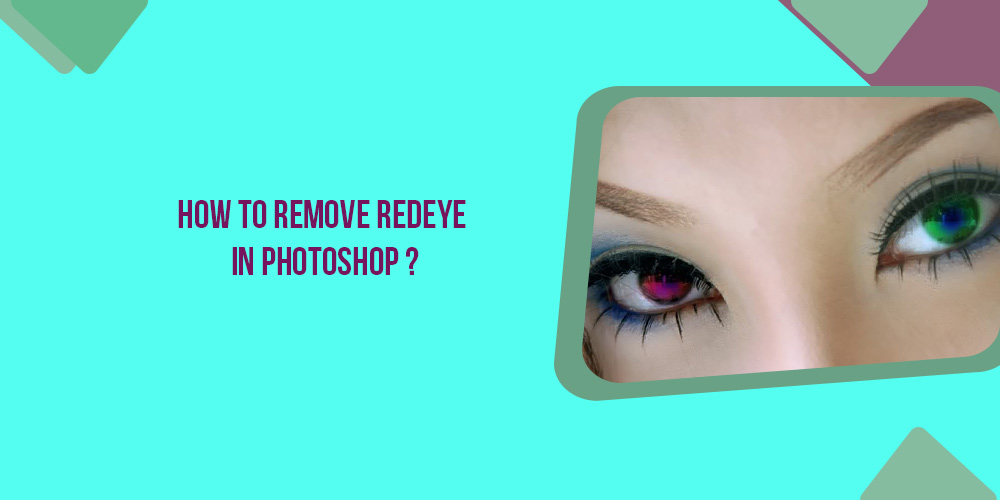
You’ve probably seen the redeye effect if you’ve ever used your camera’s flash to snap a photo of someone in a dark room. It occurs when a person’s pupils turn bright red instead of their normal black. Even when photographing someone in a well-lit environment, the flashlight can occasionally travel through the subject’s pupil andContinue reading “How To Remove Redeye In Photoshop”
Author Archives: gitbdcpg01
How To Insert Image In Photoshop On Top Of The Background?
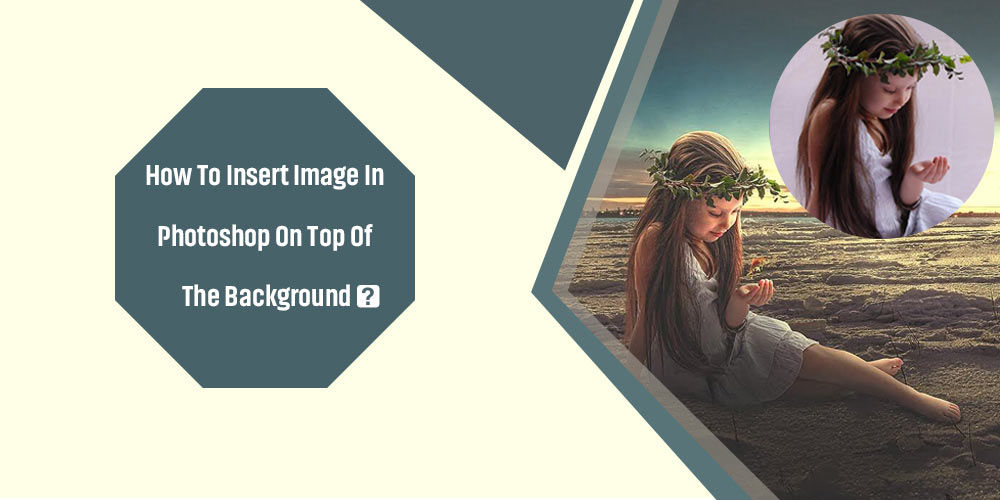
When working on a Photoshop project, you’ll need to add pictures to existing layers regularly. Whether you want to merge two photographs or just layer one on top of the other, Photoshop makes it simple. There are several destructive and non-destructive methods for inserting pictures. This article will show you how to insert image inContinue reading “How To Insert Image In Photoshop On Top Of The Background?”
How To Remove The Background Of A Picture In Photoshop
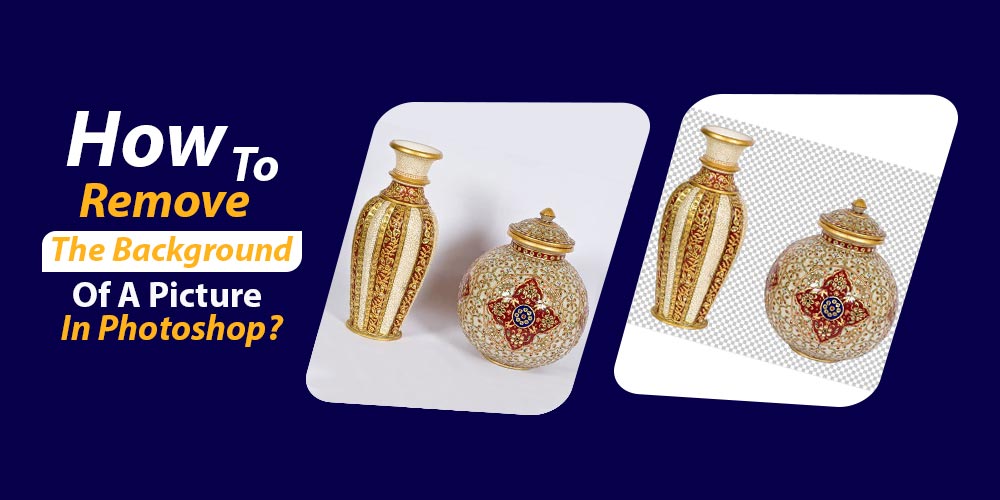
Removing the background using photoshop has become quite common nowadays. Most people want to remove the background either to give their pictures a professional look for professional uses or a lousy background of a good shot. And removing the background isn’t a challenging task. You can remove it using Photoshop. After reading this article, youContinue reading “How To Remove The Background Of A Picture In Photoshop”
How To Make Something Transparent In Photoshop
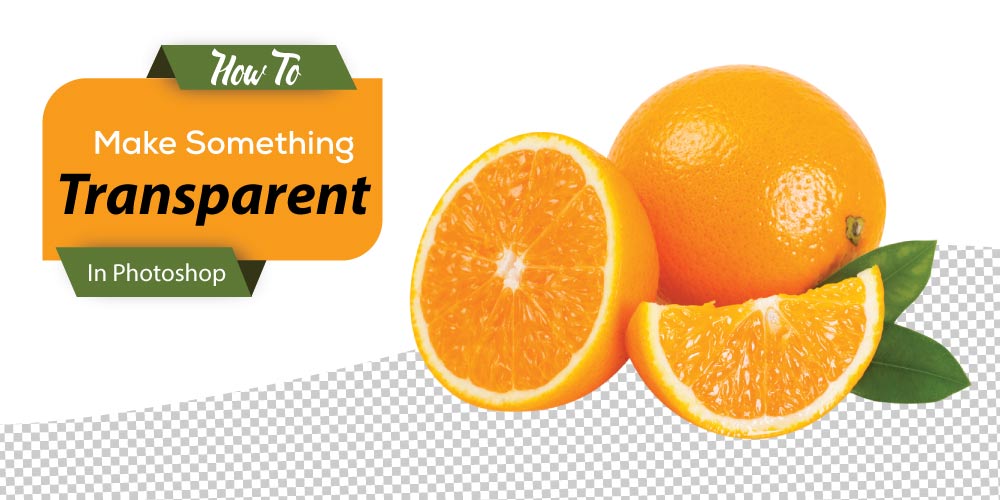
To make anything transparent in a photo, whether an object or the background, is very significant in various cases. Once you make anything transparent, you can blend the colors of your choice to make it even more catchy and attractive. Transparent backgrounds enhance the speed of web page loading. Due to this reason, most photographersContinue reading “How To Make Something Transparent In Photoshop”
Introduce Yourself (Example Post)
This is an example post, originally published as part of Blogging University. Enroll in one of our ten programs, and start your blog right. You’re going to publish a post today. Don’t worry about how your blog looks. Don’t worry if you haven’t given it a name yet, or you’re feeling overwhelmed. Just click theContinue reading “Introduce Yourself (Example Post)”
 Welcome to Graphicsvaly